
GBFinds, ordering help and UK parcel planning
Oopbuy Finds Spreadsheet for UK buyers
Browse product links, learn the Oopbuy order process, and plan the journey from warehouse to UK door.
Find the item before choosing the line
Sixteen ways into the catalogue. Check the exact seller, size and contents before paying; the shipping notes are a starting point.
 Tees and topsLight, folds flatCategory
 Hoodies and sweatshirtsSoft, vacuum bag friendlyCategory
 JoggersSoft goodsCategory
 DenimDense for its sizeCategory
 Womenswear searchSearch resultsSearch results
 Football shirtsLight, folds flatCategory
 Coats and puffersBulk drives the priceCategory
 Caps and hatsCrushable unless boxedCategory
 BeltsSmall, often boxedCategory
 Sunglasses and framesCase adds volumeCategory
 JewelleryTiny, check the lineCategory
 BagsVolume, not weightCategory
 TrainersShoe box decisionCategory
 WatchesCheck whether it has a batteryCategory
 Gadgets and audioCheck whether it has a batteryCategory
 Fragrance and setsLiquid lines onlyCategory
A spreadsheet finds it. An agent buys and ships it.
What is Oopbuy Spreadsheet?
This is a browsable list of marketplace finds, rather than a file to download. Open a product, keep its seller link, and check the exact variant. A category image is an example, not an availability or authenticity promise.
What does Oopbuy do?
Oopbuy is the shopping agent: you pay it to order from the seller, inspect the arriving item, and arrange onward shipping. Your catalogue search is separate from your Oopbuy account and payments.
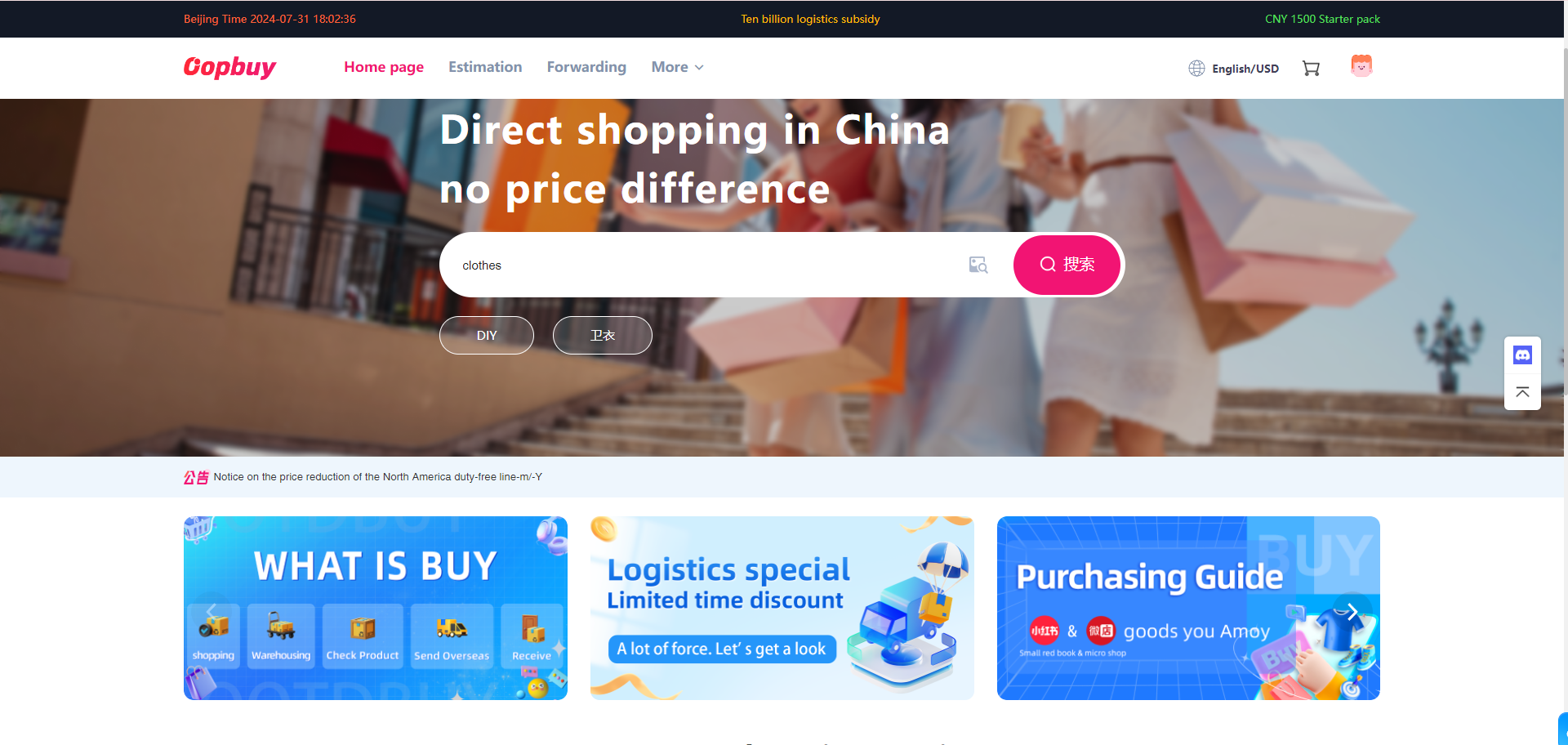
From a saved link to a parcel you can accept
- Choose carefully. Compare seller evidence, size measurements and the complete cost; then make the item payment.
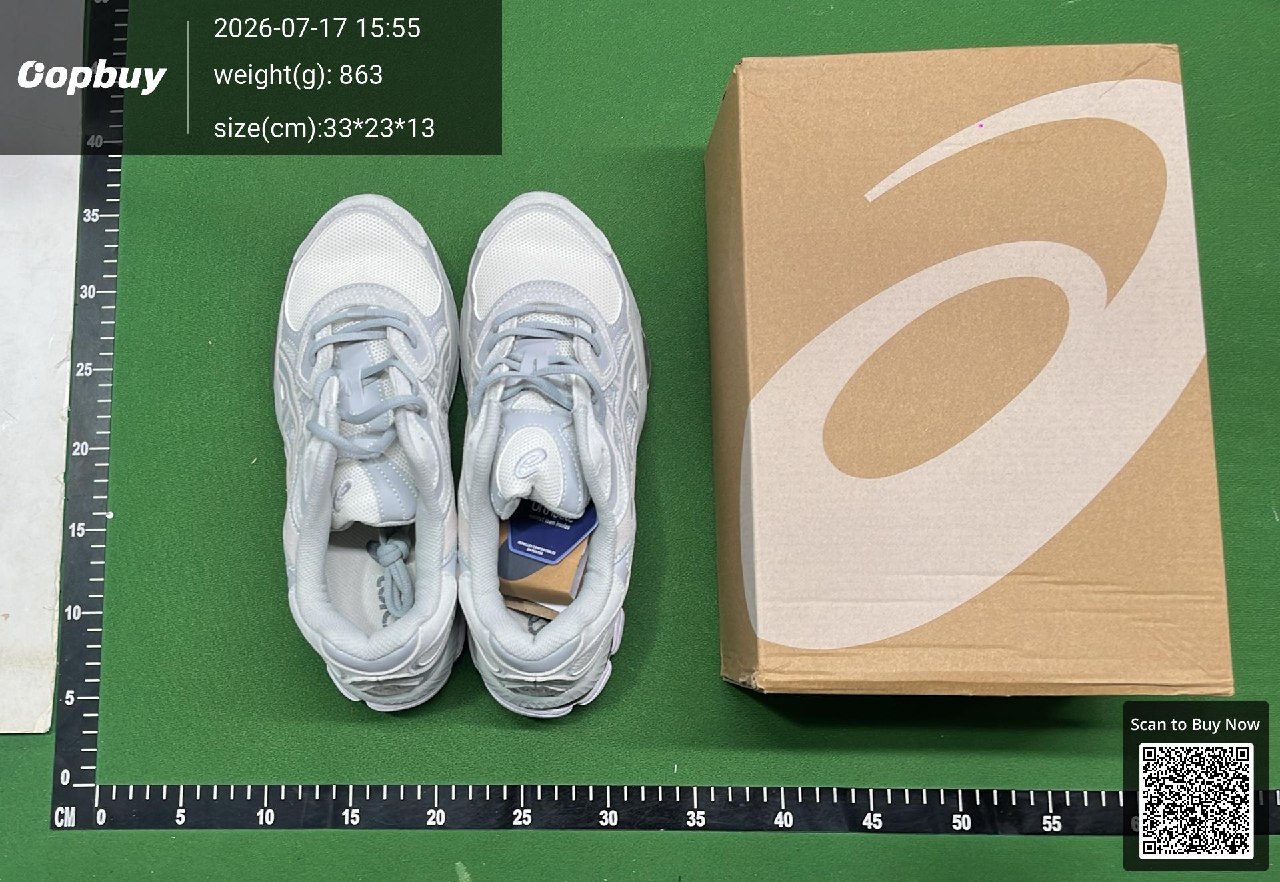
- Inspect before shipping. Check the warehouse photos. Request missing views or a return decision while the seller window is still open.
- Pack, pay freight and track. Select a route for your contents and postcode, review the final charge, then keep delivery evidence.
Follow the official 11-step order guide · Read the QC and return checklist
Two reasons to keep this guide open
Why consider Oopbuy?
Ordering help, warehouse photos and consolidation let you check an item before international dispatch. Its public estimator also gives UK route details. Those tools are useful; they do not remove seller, payment or customs risk.
When the agent fits — and when it may notWhy use this Spreadsheet?
The catalogue gets you to a seller link. The UK handbook then puts postcode restrictions, box sizes and several delivery clocks alongside one another, with the original reading date kept visible.
What this guide adds, and its limitsChoose the next decision, not another tab
UK parcel desk · 15 October snapshot
The Arrival Planner filters the recorded routes by weight, postcode and contents. It is a dated planning aid, not a shipping quote or booking.
Before you pay
Two payments, fees and exchange rates
Packed weight and box dimensions
UK tax and carrier bills
Help, FAQ and updates
Find the right support route, understand QC/GL/RL, and handle missing items or slow tracking. Dated notices and changes explain what was checked and what still needs a live account check.